What it does
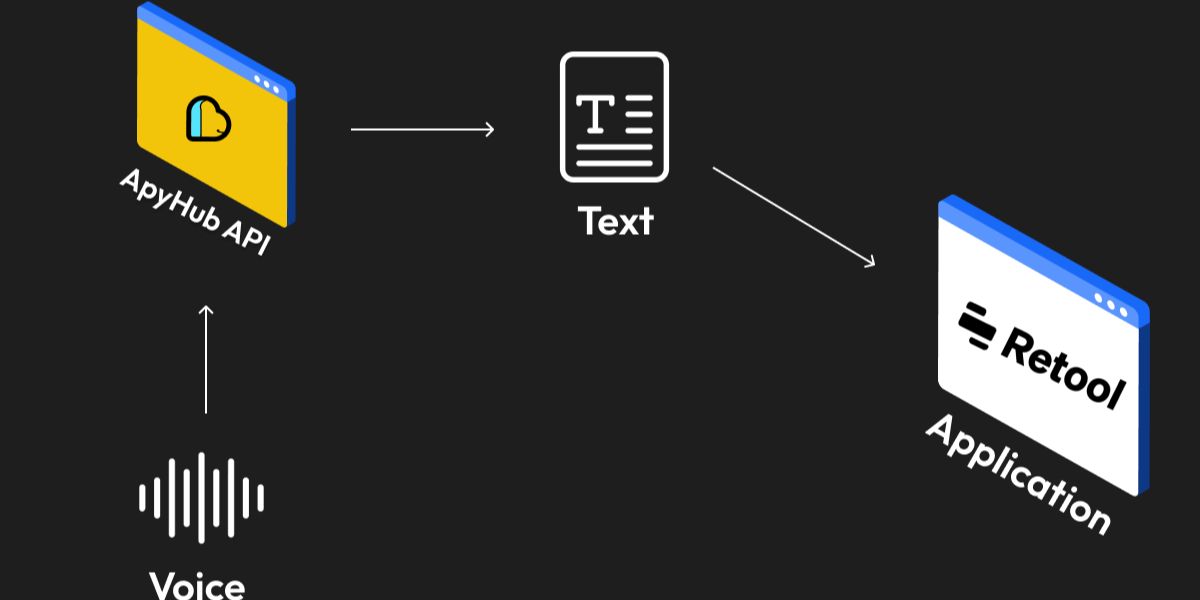
Text to Speech converts plain text or document content into MP3 audio. Send a text string, a document file, or a document URL, and choose a voice gender of male or female. Depending on the endpoint, you either get the MP3 file directly or a JSON response with a signed download link.
Use Text to Speech when you need to turn reports, articles, training material, or support content into audio for listening on the go. If your content already lives in a document, send the uploaded file or its URL. If you already have the content in your app, send text directly. The service handles up to 75,000 characters for text input.
The response format is straightforward: binary MP3 for direct download endpoints, or { "data": "..." } for link-based endpoints. That makes it easy to plug into workflows that need immediate file delivery or asynchronous download handling.
Text to Speech fits product features like read-aloud mode, content playback for accessibility, internal training libraries, and document narration without building speech synthesis logic yourself.